What SKU.md Does for Independent Stores Today, and How to Link It from llms.txt, agents.md, and Sitemaps
Specification notes
An honest look at the role SKU.md can play in AI shopping conversations, followed by the recommended way to point to /sku.md from llms.txt, agents.md, sitemap.xml, robots.txt, and the home page.
A shopper asks an assistant for a two-person tent that weighs under 1.5 kg. The assistant searches, opens a few pages, and tries to read the answer out of theme markup, pop-ups, review widgets, and scripts. A large marketplace listing is often easier to parse than the brand’s own product page, even when the brand wrote the original specification.
That is the gap SKU.md is meant to narrow for independent stores. This article looks at what the 1.0.0-beta format can realistically do today, then gives the recommended way to point to it from files that many stores already publish.
What SKU.md can do today
SKU.md is an independent, experimental proposal. No major AI assistant or search engine has announced that it reads /sku.md, so publishing the file is not a ranking signal. Google’s guidance for AI features in Search says special AI Markdown files neither help nor hurt visibility there. Keeping that boundary in view makes the practical value easier to see.
| Shopping-conversation problem | What SKU.md offers |
|---|---|
| Product pages are heavy and hard for an agent to read | A few kilobytes of plain Markdown with the product’s stable facts |
| Assistants fill gaps with guesses about sizes, materials, or fit | Every fact carries a Source link that a reader can open and check |
| Old prices or stock appear in answers | Live price, stock, shipping, tax, and checkout stay out of the file by design |
| Shoppers ask who a product suits and what it works with | Optional Guidance, Limitations, Compatibility, and Questions sections |
| A small brand is hard to identify as an entity | A root catalog names the store, summarizes it, and links its collections |
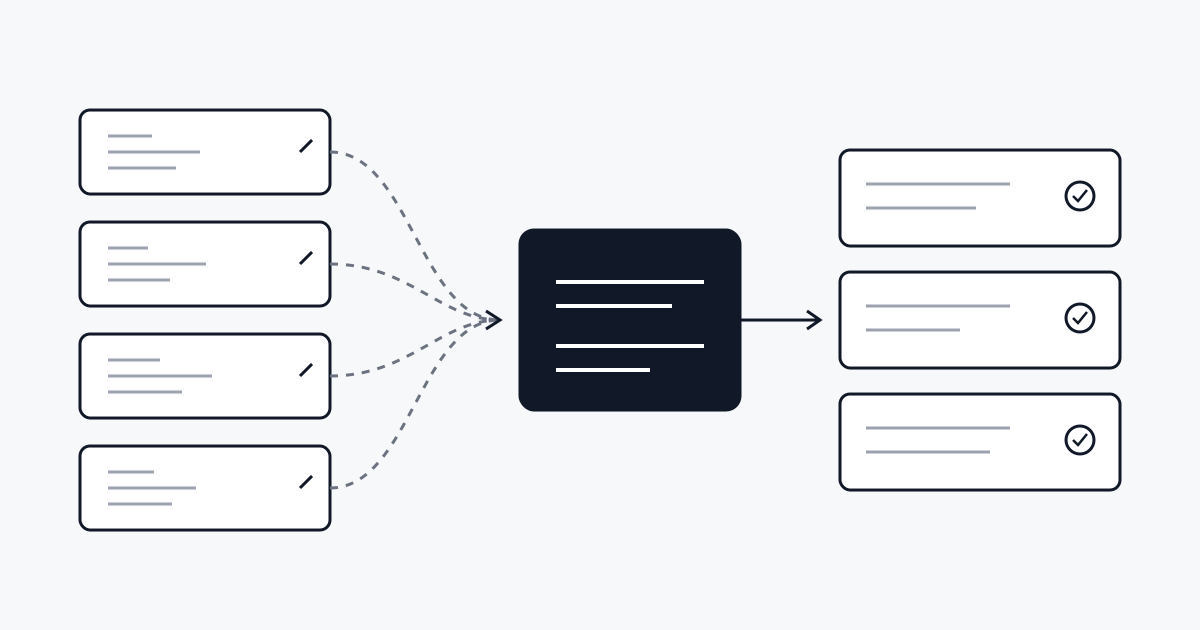
The value arrives through ordinary paths. An agent that browses the store can fetch a short Markdown file instead of rendering a theme. A search index may store the file like any other public URL. A reviewer inside the company can use the same document to find missing or conflicting product details. None of those paths depends on a platform adopting the format, and none of them promises that an assistant will cite the store.
Why pointers matter
The specification fixes the catalog at the exact path /sku.md. A reader that already knows the convention can request it directly. Most readers do not know it yet, so the file benefits from being mentioned in places that crawlers and agents already look: llms.txt, agents.md, XML sitemaps, robots.txt, and the home page.
The conventions below are recommendations for 1.0.0-beta. They do not change conformance. Each pointer targets the root /sku.md, and the catalog still has to validate on its own. A pointer is a hint that the file exists, never evidence that its facts are correct.
llms.txt
The llms.txt proposal defines a Markdown file at /llms.txt with an H1, a short summary, and H2 sections that list links in the form - [name](url): notes. Add one section named Product knowledge with a single catalog link:
# Example Outdoor Gear

> Lightweight outdoor equipment for hikers.

## Product knowledge

- [SKU.md catalog](https://www.example-outdoor.com/sku.md): Source-backed product knowledge (SKU.md 1.0.0-beta). Confirm price, stock, and shipping on the linked product pages.
Keep the section name and link label exactly as shown so that tools can find the entry without guessing. List only the root catalog here. Product knowledge documents are already reachable from the catalog, and repeating them in llms.txt creates a second list to maintain.
Some hosted platforms generate llms.txt for the merchant. Shopify, for example, documents a managed file that mirrors its /agents.md. Add the section only where the platform lets you edit the file, and check the live response after each theme or app change.
agents.md
agents.md is a plain Markdown file of instructions for agents. For a store, the useful instruction is short: where the stable knowledge lives and where live data must be confirmed.
## Product knowledge

SKU.md catalog: [https://www.example-outdoor.com/sku.md](https://www.example-outdoor.com/sku.md)

Use the catalog and the product knowledge documents it links for stable, source-backed facts. Confirm price, stock, shipping, tax, and checkout on the live product page before answering or acting.
The line that starts with SKU.md catalog: carries the pointer. The paragraph under it tells an agent how to treat the content. Keep both in the store’s own words if the platform already manages the rest of the file.
sitemap.xml and robots.txt
The Sitemaps protocol lists URLs that a site wants crawlers to know about. A sitemap may include any URL on its host, so the catalog can sit next to the store’s HTML pages:
<url>
  <loc>https://www.example-outdoor.com/sku.md</loc>
  <lastmod>2026-08-11</lastmod>
</url>
Set lastmod to the date the catalog content last changed. If the catalog links a Product knowledge Sitemap, which may list up to 31 product documents under 1.0.0-beta, announce that sitemap in robots.txt as well:
Sitemap: https://www.example-outdoor.com/sitemap.xml
Sitemap: https://www.example-outdoor.com/sku-knowledge.xml
Listing a URL only makes it discoverable. Each search engine decides whether and how to index a Markdown resource. A product knowledge document also repeats facts from its HTML product page. Its required Product link points back to that page, and the HTML page remains the canonical page for search results.
The home page and HTTP headers
The specification already allows a product page to advertise its Markdown representation with <link rel="alternate" type="text/markdown">. The same pattern works on the home page for the catalog. Add title="SKU.md" so that a reader can tell the catalog apart from any page-level Markdown mirror:
<link rel="alternate" type="text/markdown" title="SKU.md" href="https://www.example-outdoor.com/sku.md">A store that controls response headers can send the same relation in an HTTP Link header on the home page:
Link: <https://www.example-outdoor.com/sku.md>; rel="alternate"; type="text/markdown"; title="SKU.md"Keep every pointer honest
A pointer to a missing or broken file is worse than no pointer. Before adding any of the lines above, publish the catalog and check the real address with the published URL validator. After a platform migration, domain change, or theme update, check the catalog and each pointer again.
Pointers also should not repeat product facts. Keep sizes, materials, and compatibility in the product knowledge documents, where each statement carries its source. The pointer files only say where to look.
When the root path is not available
Some hosted platforms cannot serve an exact /sku.md response today. Under 1.0.0-beta, those stores cannot publish a conforming catalog yet, and a pointer to another path does not change that. RFC 0001 proposes letting the pointers above declare a same-origin catalog at another path, along with structured identifiers and an optional dated reference price. Until a release adopts it, keep pointers aimed at the root path.
When the root route is ready, open the generator to draft the catalog, then add the pointers that match the files the store already maintains.