Platform perspectives
WooCommerce and SKU.md: Turning Product Details into Source-Backed Knowledge
How WooCommerce merchants can connect product pages, care articles, and manuals as source-backed knowledge, then publish a focused SKU.md pilot through WordPress.
A store describes specifications on a product page, publishes care advice on its blog, and keeps the instruction manual in a downloads area. When a shopper asks whether an accessory fits an older device, the answer may require all three. Adding another article will not necessarily make the relationship any clearer.
WooCommerce stores often grow this way. WordPress makes room for detailed product stories, tutorials, manuals, and plugin-managed fields. Over time, different editors and systems accumulate useful material without a shared structure. The opportunity is to reconnect what the merchant already knows and show the public source behind each answer.
An open platform still needs clear content relationships
WooCommerce is an open-source commerce platform built on WordPress. A merchant with the right access can install plugins, shape content, and manage the hosting environment. That flexibility creates a practical publishing route for product knowledge. It also means responsibility may be divided among a host, an agency, plugin maintainers, editors, and the product team. WooCommerce is not a pure SaaS product with one identical operating surface for every store.
WooCommerce’s discussion of AI product discovery puts product data quality near the center of the work. Accurate names, attributes, and variations come before any extra knowledge layer. A long description copied to more places cannot compensate for an incorrect model number or a missing compatibility field.
SKU.md is an independent, experimental 1.0.0-beta proposal. It offers a root catalog entry point and optional source-backed product knowledge. WordPress makes this kind of publishing possible, but that does not make SKU.md a native WooCommerce feature or show that an AI platform has adopted it. The merchant remains responsible for the content.
Begin with a question the store already receives
Support conversations provide a useful editorial starting point. “Will it fit?” sends the team to model and interface details. “Can it be washed?” calls for the instructions for that exact item. A general brand story will not answer either question.
Establish the exact product identity before writing the answer. Stores often carry several generations under a familiar family name, and an accessory for one can look identical to an accessory for another. If the product page says “fits the entire range” while the manual names two models, the product owner should investigate and correct the public information first.
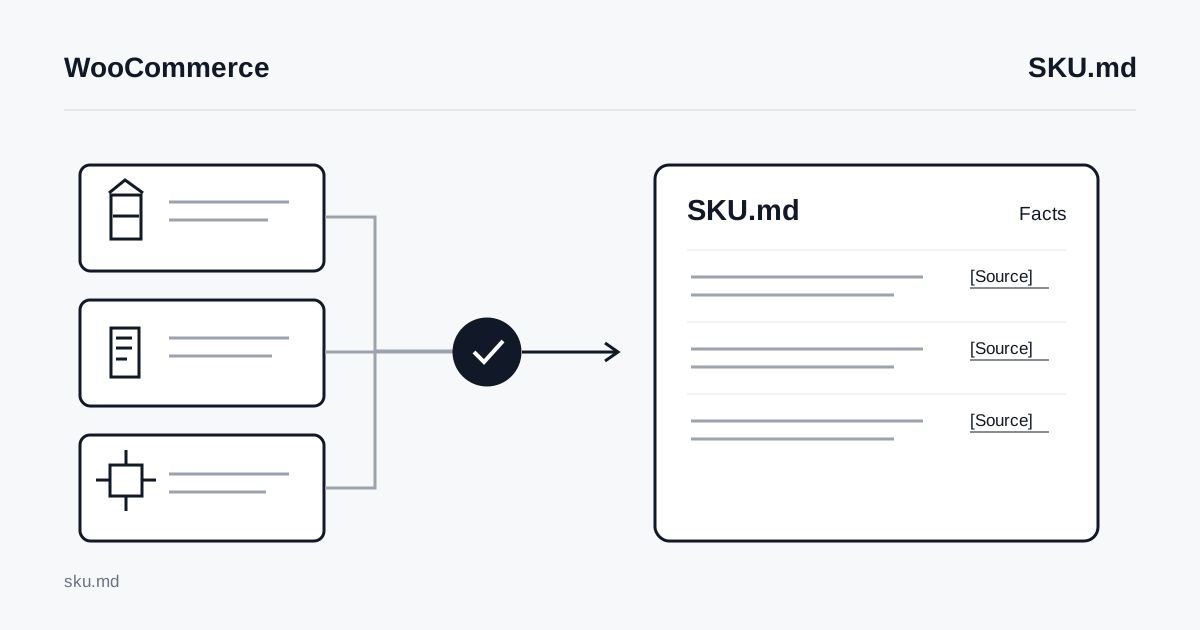
Every fact, limitation, or compatibility statement in an optional product knowledge document needs a Source link. A source can be the merchant’s public material or a trustworthy manufacturer’s document. An internal chat message may help the team find the answer, but it cannot support public knowledge if a shopper has no way to inspect it.
Organize the catalog before expanding into product documents
The minimal root catalog connects the brand, its site, and its product collection. Generate it against the current specification without trying to convert every product on day one. When one item has complete material, the catalog can link to an optional document through Product knowledge.
This exercise often reveals problems in the original pages. A care article may omit the models it covers. An old manual may have moved. A variation attribute may disagree with the main product description. Fixing those public sources helps ordinary visitors as well as any future consumer of the knowledge document.
SKU.md suits stable specifications, uses, care, and compatibility limits. Live price, stock, shipping, tax, payment, and order state stay in WooCommerce and its connected services. The Store API provides JSON for customer-facing product, cart, and checkout experiences. That live JSON response is not a Markdown knowledge document, and it should not be copied into static prose as if its commercial state will remain current.
One well-documented item gives the team enough material to test its editing process. Broader coverage should follow only when the merchant knows who will maintain sources and correct product identity over time.
WordPress provides the publishing seam
A team with plugin or hosting access can use WordPress’s Rewrite API and template_include to serve a dedicated response at /sku.md. The request needs plain Markdown rather than a themed page. The exact implementation belongs with the person who understands the site’s plugins, routing, security, and cache layers.
The practical sequence is short: generate a minimal catalog, identify who controls the root route, publish it, and check the real address with the published URL validator. Add one product knowledge document only when its sources are ready. A direct 200 response is recommended because it is easiest to inspect. The specification also accepts up to three bounded safe redirects, so teams should evaluate the actual chain instead of treating every redirect as invalid.
Implementation note for the site maintainer
Match the exact /sku.md request, register a public routing marker through query_vars, and use template_include to select a dedicated response. The marker is routing state, not a place for sensitive data. Return every unrelated request to the normal WordPress flow. Flush rewrite rules only when the plugin is activated, deactivated, or its route definitions change, never on each request.
Return plain Markdown with a media type such as text/markdown; charset=utf-8. Check subdirectory installations, Multisite, and cache configuration on each public origin because the WordPress installation path may differ from the domain root. After a change, confirm that caches expose the new content and that product knowledge links still lead to their stated sources.
The WooCommerce platform guide gives the site team more detail. Plugin installation alone is not proof that the public root route works. Hosting restrictions and existing extensions can change what is feasible on a particular store.
Maintenance belongs in the normal product workflow
When a product owner changes compatibility, an editor should be able to find the matching knowledge statement and its source. The pilot can use the store’s existing product update process: decide who checks the public product page and who updates the knowledge document. One product completing a real revision is a better test than a large batch of files with no owner.
Google’s guidance for AI features in Search says special AI Markdown files neither help nor hurt Google visibility or rankings. Search still depends on accessible pages, accurate content, and established SEO practices. A valid SKU.md route also gives no assurance that a model will read it.
Judge the pilot by the gaps it makes visible. Perhaps the team finds a missing compatibility limit, repairs an outdated manual link, or assigns responsibility for the next update. Compare that approach with Shopify’s merchant-owned knowledge layer and BigCommerce’s multichannel product context. When one public catalog is ready, open the WooCommerce generator and start there.